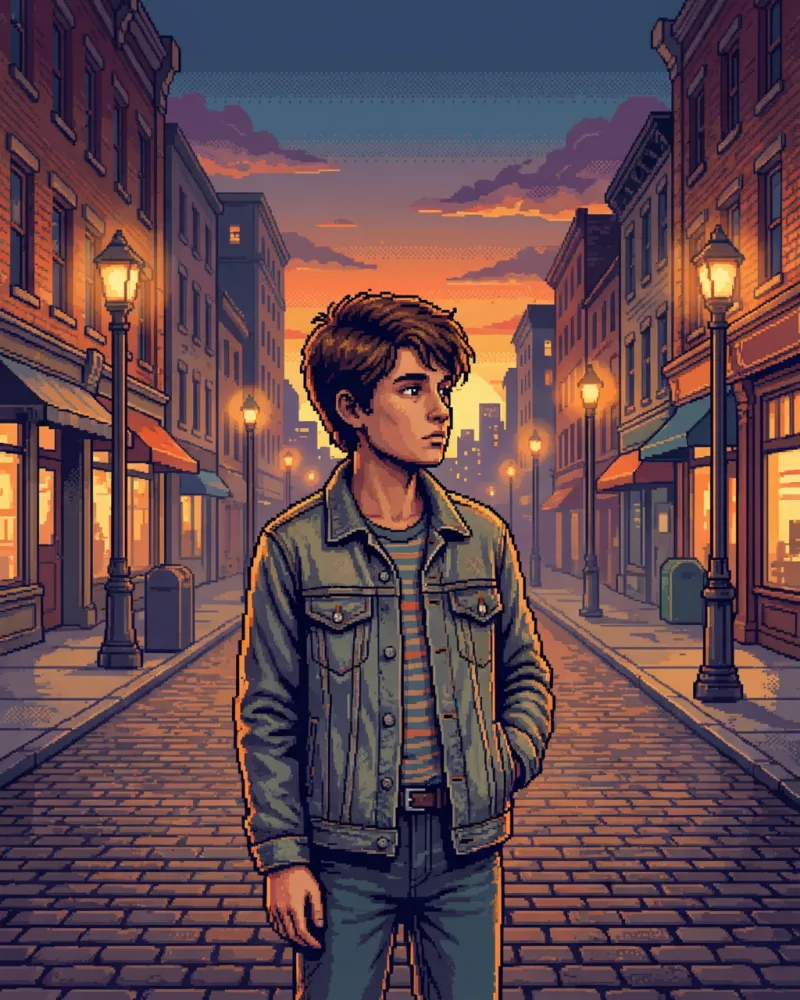
Pixel Art Portrait
Turn your photo into a retro-style pixel art portrait with blocky, low-resolution details.
- Estimated cost
- 5 credits
- Resolution
- 1k
Transform a standard portrait photograph into a striking piece of retro digital art with this Pixel Art Portrait template. The process converts the smooth gradients and fine details of your original image into a distinctive blocky structure defined by a coarse square pixel grid. This stylistic shift creates a nostalgic aesthetic reminiscent of early digital graphics, while the AI engine processes your photo to maintain the unique character of the subject. The final image is generated by AI, ensuring that the transformation is consistent and visually cohesive across the entire frame.
When you upload your photo, the template applies a specific visual language to the result. The color palette is intentionally muted and desaturated, which lends the portrait a calm, vintage feel. Skin tones are rendered in soft beige hues, avoiding harsh contrast or oversaturation. If you are wearing a denim jacket, it will appear in a faded blue shade, blending seamlessly with the overall subdued tone. The background is rendered as a flat, neutral gray backdrop, removing distractions and allowing the subject to remain the focal point of the composition.
The output is delivered as a high-quality image with a 3:4 aspect ratio and 1K resolution. This format is ideal for social media posts, digital avatars, or printing on small-format merchandise. The dithered color transitions between blocks add texture and depth, preventing the image from looking flat or overly simplistic. Your original pose and expression are preserved during the generation, so the likeness remains accurate while the artistic style changes dramatically.
For the best results, upload a clear, well-lit portrait photo where your face is clearly visible. A straight-on or slightly angled view works well to help the AI identify key facial features for the pixel grid. Avoid photos with heavy motion blur or extreme shadows, as these can interfere with the clean edges of the pixel blocks. This template offers a fixed aesthetic, so the blocky, retro look is applied uniformly to all uploads.